
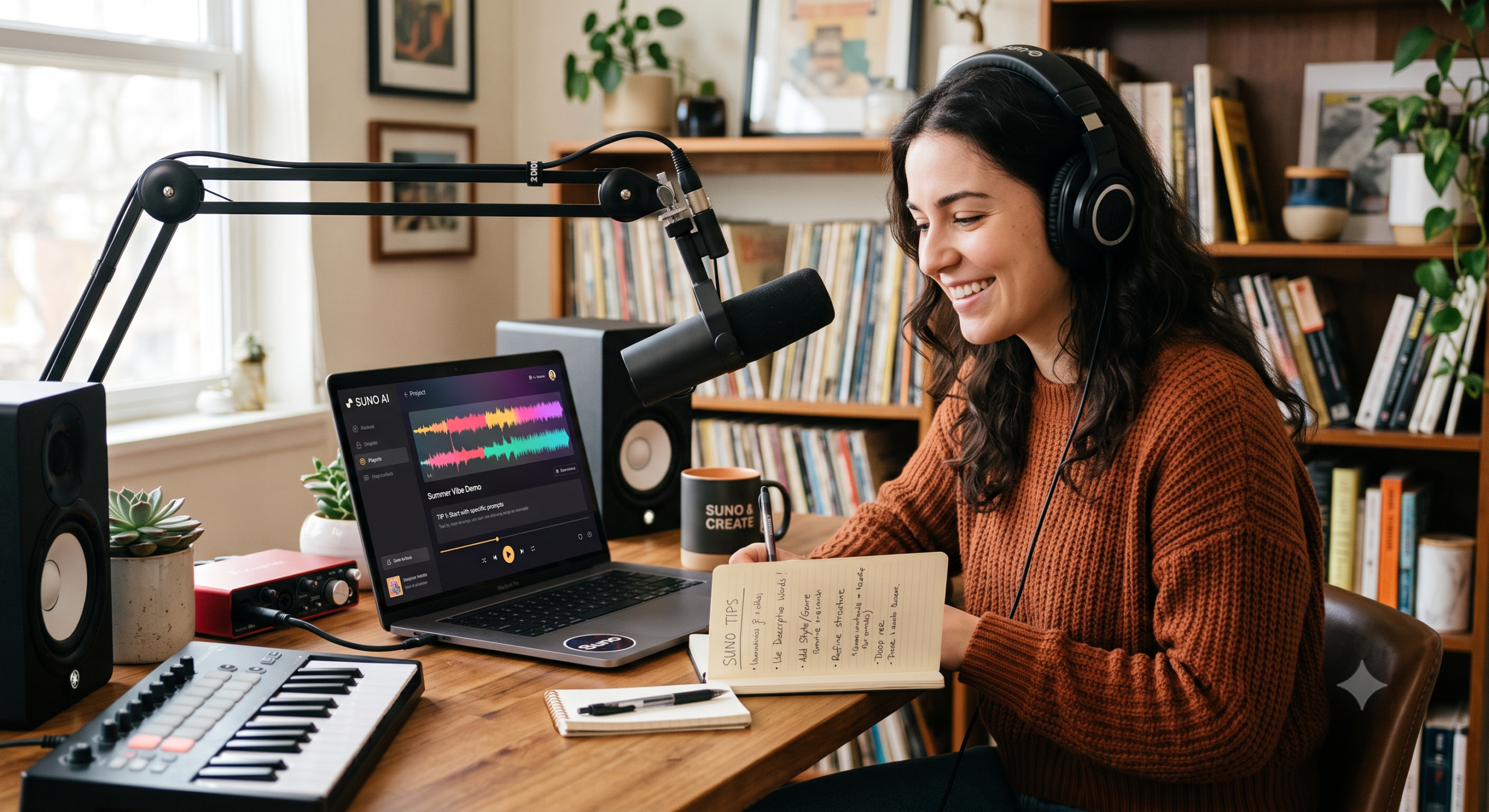
Welcome to this week’s roundup of tips for making better music with Suno! Whether you just discovered Suno or you’ve been experimenting for a while, these beginner-friendly tips will help you go from “random AI noise” to songs you’re actually proud of — faster than you’d expect.
1. Switch to Custom Mode — It Changes Everything
Suno has two modes: Simple and Custom. Simple Mode is great for your very first song, but once you’ve played around a bit, switch to Custom Mode. It lets you write your own lyrics, choose your song structure, and control the style separately. Think of Simple Mode as autopilot and Custom Mode as actually driving. The difference in quality and intention is huge.
2. Use Structure Tags in Your Lyrics
When you write lyrics in Custom Mode, add labels like [Verse], [Chorus], [Bridge], and [Outro] before each section. Suno reads these tags and uses them to shape how your song is built. Without them, your song might feel random or shapeless. With them, it starts to sound like a real track with a beginning, middle, and end.
3. Write Your Prompts Like a Human, Not a Robot
When describing the style of music you want, keep it natural and conversational. Instead of writing “high-energy electronic dance music with syncopated rhythms,” try “upbeat EDM, the kind you’d hear at a festival, with a big drop.” Suno responds much better to plain, descriptive language — and your vocals will come out clearer too. A good trick: imagine describing the song to a friend who’s never heard it.
4. Be Specific in Your Style Prompt
The style prompt is where you tell Suno what the song should sound like — separate from the lyrics. The more detail you give, the better. Mention the genre, mood, tempo, instruments, and even the decade if it helps. For example: “Slow 90s R&B, warm piano, smooth male vocals, late-night vibe.” Vague prompts like “nice song” leave too much to chance. Specific prompts give you results you can actually work with.
| Play | Cover | Release Label |
Track Title Track Authors |
|---|